Can You Add Remote Connect to a Toyota Full Guide Today
You’ve probably asked, Can You Add Remote Connect to a Toyota? The answer is yes for many models, and this guide covers everything you need. Toyota Remote Connect adds remote start, lock, unlock, and vehicle locator features to your phone. Learn about compatibility, costs, and installation options here.
Remote Connect is a popular feature that transforms your Toyota into a smart vehicle. It lets you start the engine, lock the doors, and even find your car from your phone. Not every Toyota comes with it built in, but you can often add it. This guide walks you through the entire process, so you know exactly what to expect.
If you have been searching for Can You Add Remote Connect to a Toyota, you are in the right place. Many owners assume it is only available on new models, but that is not always true. Whether you drive a Camry, RAV4, or Tacoma, there is a good chance you can get this feature. We will break down the options, costs, and steps so you can make a smart choice.
Key Takeaways
- Remote Connect is addable: Many Toyota models can get Remote Connect through a dealer or aftermarket kit.
- Compatibility matters: Your model year and trim determine whether factory installation is possible.
- Cost varies: Dealer packages range from a few hundred to over a thousand dollars, plus a subscription fee.
- Aftermarket options exist: Standalone remote start kits work without a subscription, but they lack some smart features.
- Subscription is key: Toyota Remote Connect requires an active plan for full functionality.
- Avoid common mistakes: Buying incompatible kits or skipping the subscription are the top errors.
- Expert tip: Always confirm compatibility with your VIN before purchasing anything.
📑 Table of Contents
What Is Toyota Remote Connect?
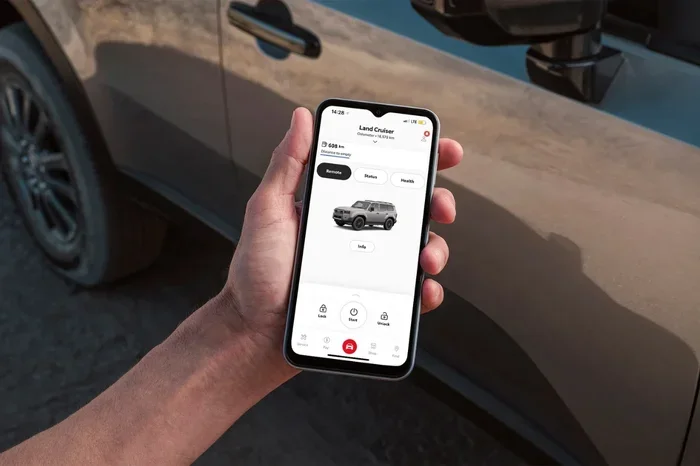
Toyota Remote Connect is a factory-approved system that links your vehicle to the Toyota app. It uses a built-in cellular module to send and receive commands. You do not need to roll down your windows or carry a physical key fob. The system works through a secure cloud connection, giving you control from anywhere with cell service.
How the System Works
The system relies on a small telematics control unit inside your car. This unit connects to the vehicle’s CAN bus and receives your commands from the cloud. When you press a button in the app, the command travels to Toyota’s servers and then back to your car. The whole process takes just a few seconds. You can lock, unlock, start, and stop the engine, and even honk the horn or flash the lights.
Key Features You Will Love
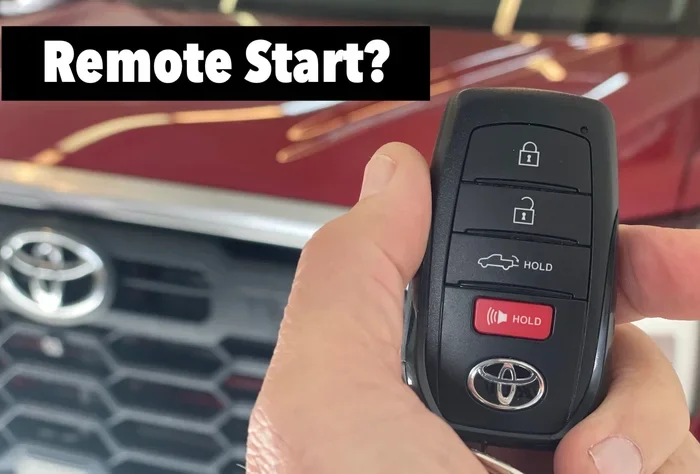
- Remote start: Warm up or cool down your car before you get in.
- Remote lock and unlock: Secure your vehicle or let someone inside without handing over a key.
- Vehicle locator: Find your car in a crowded parking lot with a map pin.
- Remote climate control: Set the temperature in advance for a comfortable ride.
- Roadside assistance: One-touch access to Toyota’s support services.
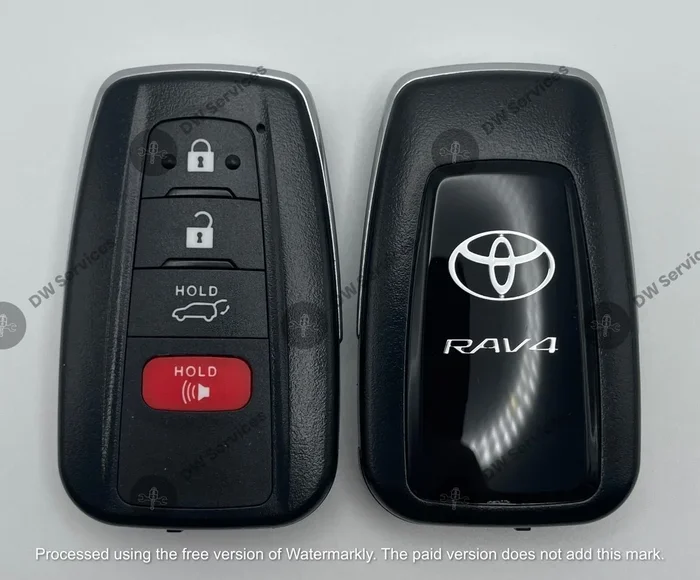
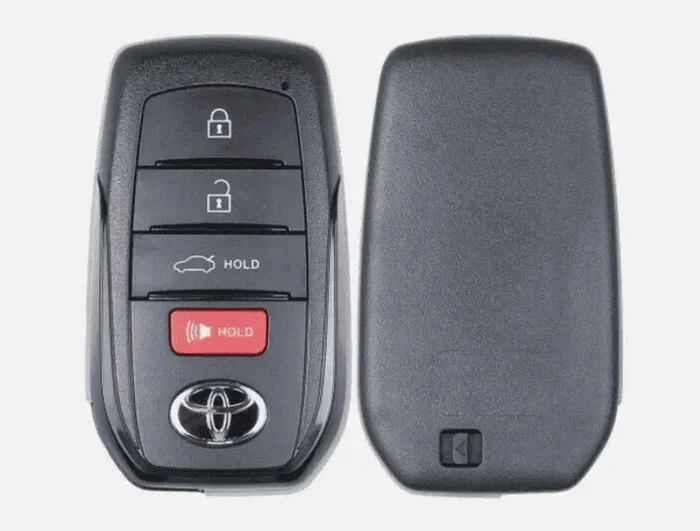
- Keyless entry: Unlock the doors and start the engine without touching the key fob.
Which Toyota Models Can Get Remote Connect?
Not every Toyota model supports Remote Connect out of the box. The feature is tied to specific trim levels and model years. Newer models from 2017 onward are more likely to have the hardware needed for factory installation. Older models may require an aftermarket solution. Always check your specific year and trim before you commit.
Factory-Installed vs. Aftermarket Options
Factory-installed Toyota Remote Connect comes pre-wired in eligible vehicles. It uses genuine Toyota parts and integrates seamlessly with the infotainment system. Aftermarket kits, on the other hand, are universal devices that tap into the vehicle’s wiring. They are cheaper but may not offer the same polish. The table below compares the two approaches.
| Feature | Factory Remote Connect | Aftermarket Remote Start Kit |
|---|---|---|
| Installation method | Dealer pre-wired | DIY or independent shop |
| App integration | Full Toyota app support | Brand-specific app |
| Subscription required | Yes | Usually no |
| Keyless entry | Yes | Often limited |
| Vehicle locator | Yes | Rare |
| Price range | $500–$1,500 + subscription | $100–$400 |
| Warranty impact | Maintained | May void parts of warranty |
Model Year Compatibility
Most Toyota models from 2018 onward support factory Remote Connect. Popular models like the Camry, Corolla, RAV4, Highlander, and Tacoma are frequently compatible. However, the exact trim matters. A base trim might lack the telematics module, while a higher trim includes it. You can verify your vehicle’s compatibility by entering your VIN on the Toyota website or asking a dealer.
How to Add Remote Connect to Your Toyota
Adding Remote Connect is a straightforward process, but the path you choose depends on your vehicle and budget. You have two main routes: visiting a Toyota dealer or installing an aftermarket kit. Both have pros and cons, which we will explore below.
Visiting a Toyota Dealer
The dealer route is the safest way to add factory Toyota Remote Connect. A trained technician will check your vehicle’s wiring and install the genuine telematics control unit. They will also register your car with the Toyota Connected Services platform. This method preserves your factory warranty and ensures full app compatibility. The dealer will also set up the subscription plan for you, so you are ready to go from day one.
Before you visit, gather your vehicle identification number (VIN). The dealer can instantly tell you if your car qualifies for the factory kit. If your model year is older, they may still be able to retrofit the system, but it depends on the wiring harness. Ask about any promotional pricing or bundled packages that include a free subscription period.
Aftermarket Remote Start Kits
Aftermarket kits are a budget-friendly alternative. These devices plug into your car’s existing wiring and communicate with a smartphone app. Popular brands include Compustar, DroneMobile, and Viper. Many of these kits offer remote start, lock, and unlock functions. However, they usually lack the deep integration that factory systems provide. You will not get the vehicle locator or seamless keyless entry that comes with Toyota Remote Connect.
If you choose the aftermarket route, pick a kit that supports your Toyota model. Some universal kits require additional wiring modules. Installation can be done at home if you have basic automotive knowledge, but a professional installer is recommended for clean results. Always check whether the kit will interfere with your factory warranty.
Cost Breakdown and Subscription Plans
The total cost of adding Remote Connect includes both the hardware and the ongoing service. Understanding the pricing helps you avoid surprises. Here is a detailed look at what you can expect.
Dealer Installation Fees
Factory installation at a Toyota dealer typically costs between $500 and $1,500. The price varies based on your model and the complexity of the wiring. Some dealers bundle the hardware and installation into a single package. Others charge separately for the control unit, labor, and programming. It is wise to get a written quote before you authorize any work. Ask if the dealer offers any discounts for existing Toyota Care members.
Monthly and Annual Subscription Costs
Toyota Remote Connect requires an active subscription to function. The subscription usually costs between $10 and $25 per month, or you can pay an annual fee that offers a discount. The first year is often included with the installation. After that, you must renew to keep features like remote start and vehicle locator active. Without a subscription, the system will not respond to app commands. Some aftermarket kits do not require a subscription, but they sacrifice the smart features.
Pros, Cons, and Common Mistakes
Adding Remote Connect brings real convenience, but it is not perfect for everyone. Weighing the benefits and drawbacks helps you make a confident decision. Here is a balanced look at the situation.
Benefits of Remote Connect
- Comfort: Start your car from bed on a cold morning and step into a warm cabin.
- Security: Lock your doors remotely if you forget to do so.
- Peace of mind: Locate your vehicle in a large parking lot or unfamiliar area.
- Resale value: Factory-installed tech often boosts the resale appeal of a Toyota.
- Seamless integration: The system works with the Toyota app and your existing key fob.
Drawbacks to Consider
- Ongoing cost: The subscription fee is a recurring expense you must budget for.
- Cellular dependence: If you are in a dead zone, the app will not reach your car.
- Installation time: Dealer installation can take a few hours, and you may need a loaner car.
- Older models: Pre-2017 Toyotas often lack the wiring needed for factory kits.
Common Mistakes to Avoid
Many people make avoidable errors when adding Remote Connect. The first mistake is buying an incompatible kit without checking the model year and trim. Another is forgetting to activate the subscription, which leaves the system useless. Some owners attempt a DIY installation on a factory-wired vehicle, which can damage the wiring and void the warranty. Always confirm compatibility with your VIN, and never skip the subscription setup. Finally, do not assume that all Toyota models support the feature; the RAV4 and Camry do, but the base Yaris may not.
Expert Tips and Key Takeaways
Quick Tips for Getting the Most Out of It
- Always keep your subscription active to enjoy uninterrupted service.
- Download the latest version of the Toyota app for the best performance.
- Use the vehicle locator feature before you leave a parking lot.
- Set a reminder to renew your subscription before it expires.
- Pair Remote Connect with your key fob for a seamless experience.
Expert Insights
Automotive experts agree that factory-installed Toyota Remote Connect is the gold standard. It offers the most reliable connection and the deepest integration with your vehicle. If your Toyota is eligible, the dealer route is always the recommended path. For older models, a high-quality aftermarket kit can still deliver excellent remote start functionality. Just be sure to choose a reputable brand and have it installed by a professional. The experts also stress the importance of reading the fine print on subscription plans. Some plans auto-renew, while others require manual renewal. Knowing this prevents unwanted charges.
Key Takeaways
- Remote Connect is addable: Many Toyota models can get Remote Connect through a dealer or aftermarket kit.
- Compatibility matters: Your model year and trim determine whether factory installation is possible.
- Cost varies: Dealer packages range from a few hundred to over a thousand dollars, plus a subscription fee.
- Aftermarket options exist: Standalone remote start kits work without a subscription, but they lack some smart features.
- Subscription is key: Toyota Remote Connect requires an active plan for full functionality.
- Avoid common mistakes: Buying incompatible kits or skipping the subscription are the top errors.
- Expert tip: Always confirm compatibility with your VIN before purchasing anything.
In short, Can You Add Remote Connect to a Toyota? Yes, you can, and the process is easier than most people think. Whether you choose the factory route or an aftermarket kit, the goal is the same: more convenience, more security, and more control over your vehicle. Take the time to check your model’s compatibility, compare costs, and pick the option that fits your lifestyle. With the right setup, you will wonder how you ever drove without it.
Frequently Asked Questions
What is Toyota Remote Connect?
Toyota Remote Connect is a factory-approved system that lets you control certain vehicle functions from your smartphone. It uses a built-in cellular module and the Toyota app to enable remote start, lock, unlock, and vehicle locator features. The system requires an active subscription to work fully.
Can I add Remote Connect to an older Toyota model?
It depends on the model year and trim. Models from 2017 and newer are more likely to support factory installation. For older Toyotas, aftermarket remote start kits are a viable option. Always check with a dealer using your VIN to confirm compatibility.
How much does it cost to add Remote Connect?
Factory installation typically costs between $500 and $1,500, plus a monthly or annual subscription fee. Aftermarket kits are cheaper, ranging from $100 to $400, and often do not require a subscription. The total cost varies based on your model and the features you choose.
Does Remote Connect require a subscription?
Yes, Toyota Remote Connect requires an active subscription for full functionality. The subscription covers the cellular data connection and access to cloud services. Without it, the system will not respond to app commands. Some aftermarket kits work without a subscription but lack smart features.
Can I install Remote Connect myself?
Factory Remote Connect must be installed by a Toyota dealer or authorized technician. Aftermarket kits can be self-installed if you have basic automotive skills, but professional installation is recommended. DIY installation on a factory-wired vehicle can void your warranty and cause wiring issues.
Which Toyota models are compatible with Remote Connect?
Popular compatible models include the Camry, Corolla, RAV4, Highlander, and Tacoma, especially on higher trims from 2018 onward. However, compatibility varies by trim and model year. Always verify with your VIN or a Toyota dealer before purchasing any kit or service.